This is the first post on my new blog. I’m just getting this new blog going, so stay tuned for more. Subscribe below to get notified when I post new updates.
In CSS building I think web design training benefit me most in building a website.
CA 260 would be a completely different class being taught online, because although we use computers most of the time in class we can still ask the Professor questions directly. I don’t think I would like CA 260 online as much even though I think it is a good fit for an online class. I would have to be more organized as a student if the class were all online and I think that would benefit me greatly.
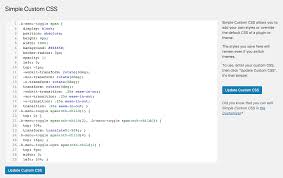
CSS is a very tough and long way to build a website. However, there are many useful tools we can use to make it work more efficient. CSS is the building block to how all websites are created.
Wix.com is a great website to use when trying to create a website. It offers everything a beginner will need to know when starting his or her website. It also has many tools to make the web building process go quicker. Websites like Wix are crucial when trying to build a website.
To make sure your blog post is free from copyrighted material you must make sure some other company does not own the picture, video, or document you are using.
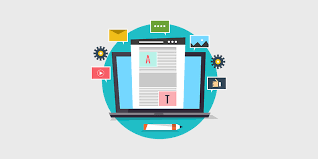
The web blog process.
Copyright is a right given to the creator of an original work upon its making by that person. This means they and the people they allow are the only people who can use this work.
video I found helpful when creating a blog post the right way.
This video gets right to the point on how to do good work without copyright
You can actually use other peoples content by using these 6 tips.
I plan to keep my web page simple, organized, and available to anyone who gets on my page. I want my page to be welcoming to anyone who takes a look at it. I will have everything I offer on my page on a search bar and or that you can click as a link. I don’t want any part of my page to not be accessible on the home page. I will use basic wording that everyone can easily understand.
Engage the Audience This tip helps us better catch the audiences’ attention from the first moment they view the website. To better engage the audience we can have good headers, phrases, and slogans. We could also include videos and pictures that pertain to the main idea of the website. We also need to chose a pleasant color scheme for our background.
Easily “scrollable” To keep the website easily “scrollable” do not drag out details on specific topics. Instead we design the website to have many points that will link the audience to a more detailed page as they continue to scroll down the website.
Organization Our website will follow a structured flow of ideas that are easily accessable. At the top of our page we always have our headline followed by a series of main points and interactive links based on the most important information about the website. At the very bottom of the page we would put the footer and a summary of the page.
The Footer The Footer is important to include in the website because it has additional resources about the website, some of these include: other references, other interactive links, contact information, and website information.
No Flash No flash is a good tip because its important to keep it simple and using flash videos or pictures is distracting and will redirect the audiences attention away from the main ideas.
“How to design a killer home page (advanced web design)”. Owen video. Sept. 11, 2013
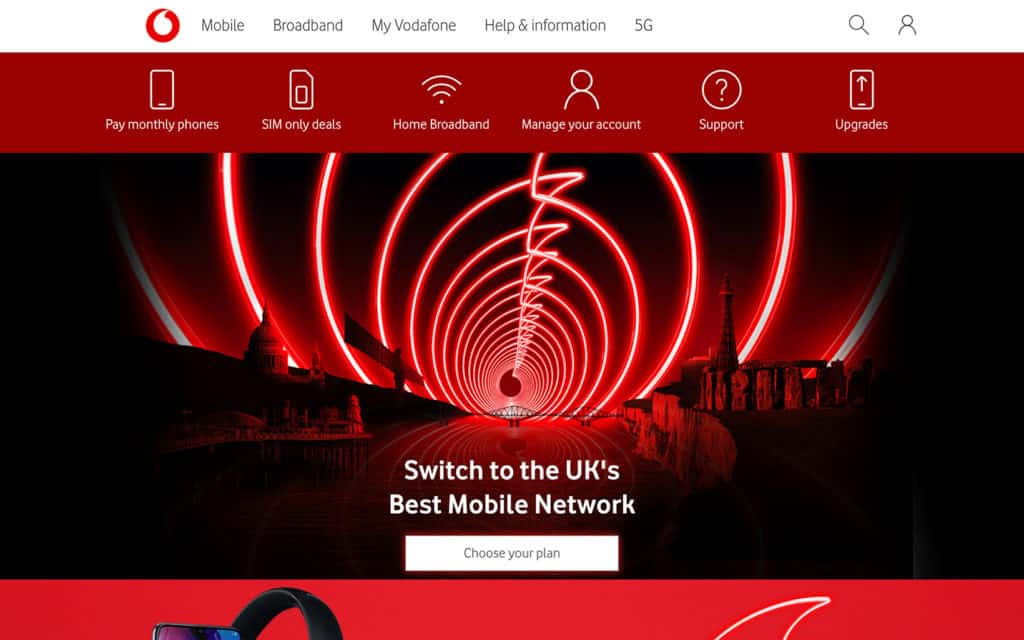
This image is a good example of a color scheme.
This website is an example of well organized.
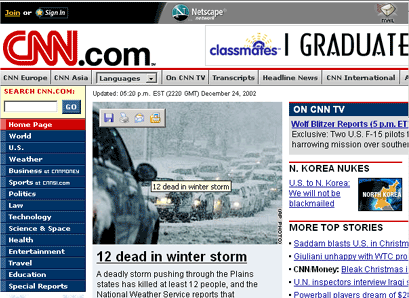
This websites color scheme is very distracting.
This is another great video that shows other useful tips for building a website.
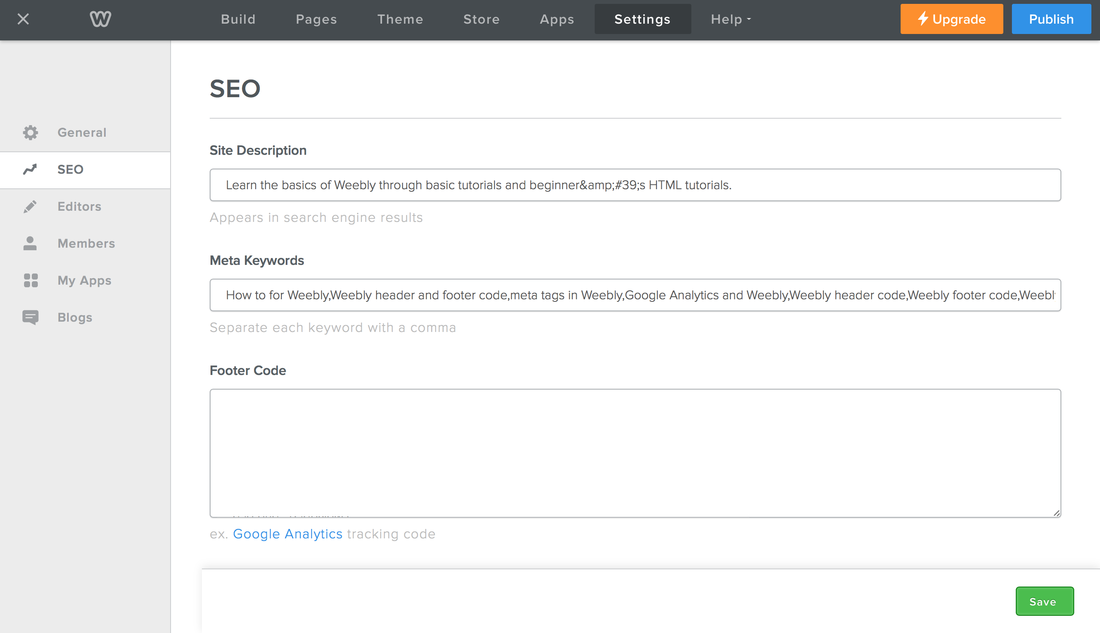
I am not a tech person, but even I can build a website on Weebly. My favorite features of Weebly include drag and drop website builder, easy publishing, free sub-domain, and full width page editor. The drag and drop website builder is great way to skip the coding part of making a website. It’s already been done for you. Easy publishing includes building your site and simply selecting the popup box called publish. You can also still edit your website after it has been published. Their free sub domain allows someone to publish for free, but they have reasonable paid plans for business purposes. Lastly, the full width page editor allows you to edit your page simply by clicking the edit button and making changes. Again, no coding required.
Setting up a Weebly account is simple and very easy. First, go to Weebly.com and fill out the Get Started information box. After you are signed in you pick a free version, a theme and begin creating your website.
I chose the Personal theme because I plan to use it as my personal page. At this time I have no plans to change because I’m not planning on selling items or using it as a business.
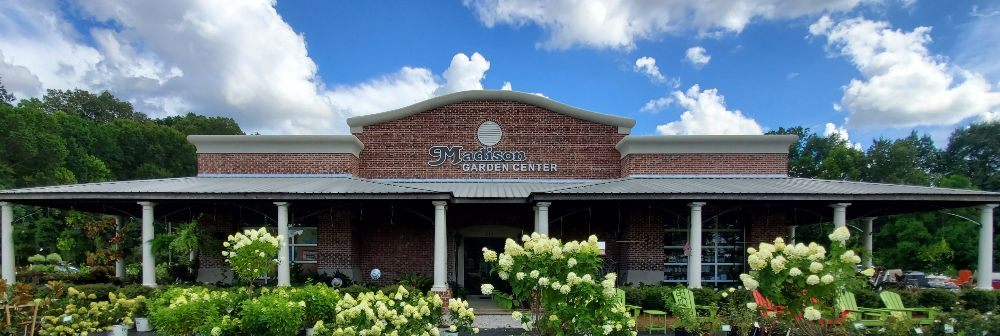
The focus of this post is to give a good representation of the family business and to attract customers and maintain a relationship with them. We will accomplish this by providing quality images and useful information in easy to understand language.
Whether you are linking to other blogs or websites that contain great information or linking to past posts on your own site, do it whenever you can. This will help not only increase your clicks but also help with your blog’s search engine rankings. (Klems, 2012)
For example, crape myrtle bark scale has been a recent problem affecting many people. This link will provide information on how to treat the disease, and our blog will relay the information in simple terms.
We will stay up to date on comments and questions by having several employees who can access this blog. Each employee will have an area of expertise they post about so all areas of interest will be addressed. To further expand our blogs popularity, we will post to facebook and instagram.
Each post will be well written and vary in length depending on the topic. Each post will be reviewed by a manager to make sure it’s well written.
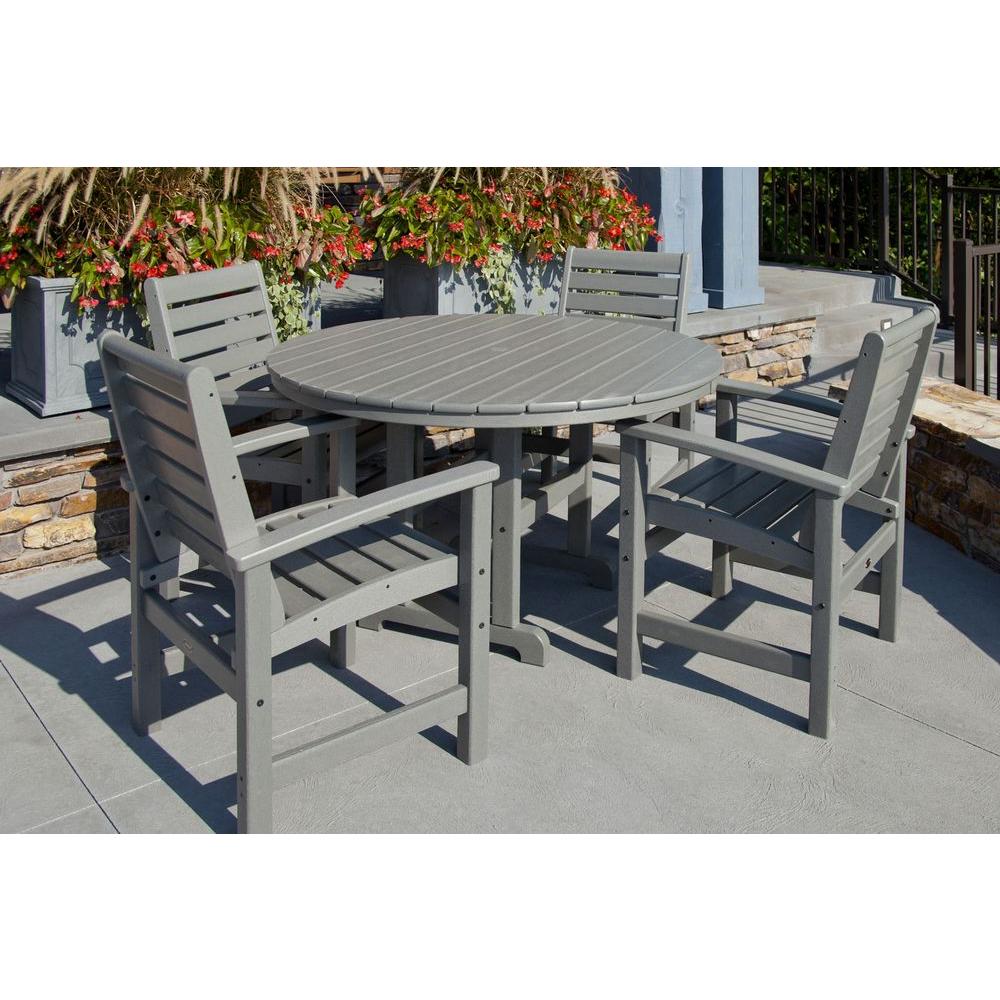
Here is another link to a popular line of outdoor furniture that we carry. By buying this product through us, you will be able to see the furniture styles and colors, as well as have it already assembled. Knowledgable staff are available to help you with your selection.
People can use blogs in various ways to find information or differing opinions on certain topics such as blogging about food, fashion, or sports. This will be my first time blogging and I have never read blogs but I am excited for the oppurtunity to learn about them and how they work. The purpose of a blog is for anyone to state their opinion on a given topic and read other peoples opinions. Hi, my name is Nick Thompson and I am from Madison, MS. I am an only child and I am 21 years old. I went to high school at St. Joseph Catholic and played football, basketball, and baseball all four years of high school. I also participated in band and drama at my high school. I went to Holmes Community college in Goodman, MS for two years before coming to South Alabama to play football. I chose to transfer to South Alabama because I really liked the school and the football program. I am a junior and a Communications major. After graduating I plan to use my degree to help me take over our family business. The family business includes a landscaping and associated retail sales. In my off time I enjoy hunting, fishing, and boating. I enjoy hunting with my dad at our farm. We enjoy hunting the elusive mallard duck and whitetail deer.








 Nicks blog